
Step 2: Installation
It's now time to begin the installation of the list. Follow these steps:
- Open
Wabbajack.exe. - At the bottom of the window, click Browse Modlists.
The Browse Modlists button.
- Click the “Unofficial Lists” checkbox.
- Find and click the download icon on the Zenithar's Forge card. You can also type “Zenithar's Forge” in the search bar at the top.
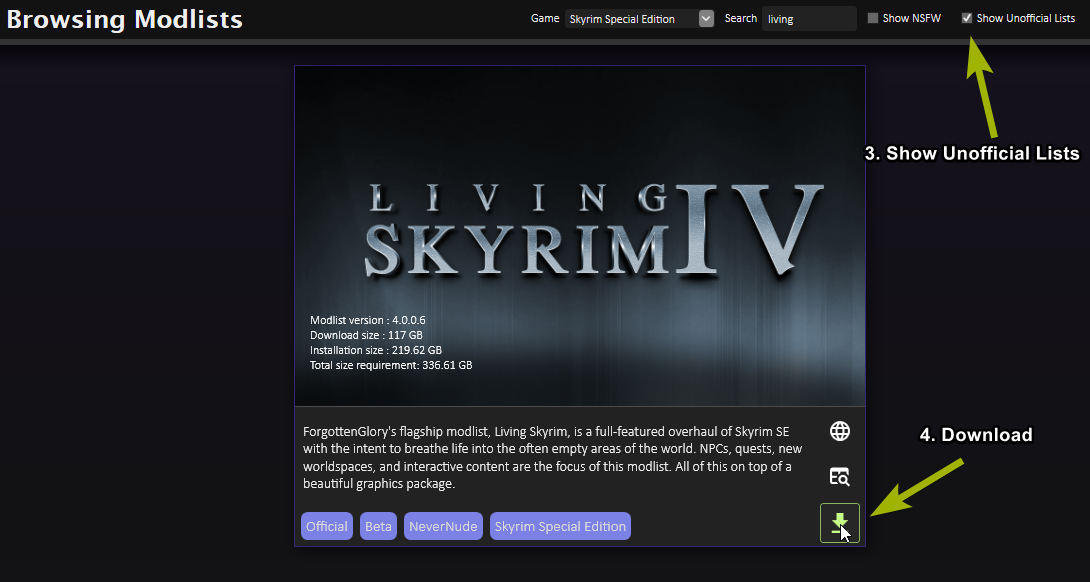
The Wabbajack gallery.
- After the list finishes downloading, click the play/Begin Install icon.
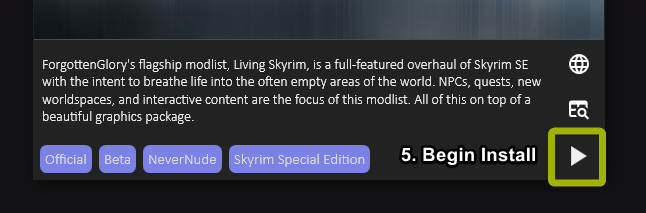
The Begin Install button.
If you are updating or resuming a previous install of the list, double-check the installation and downloads locations that are selected. They need to match your existing Installation and Downloads locations.
Beneath the Zenithar's Forge image you'll find the install and download path boxes:
- This box shows where the list, including Mod Organizer 2, will be saved. Click the three dots, then select the Zenithar's Forge folder you created in Step 1: Preparations. Anything that does not belong to the modlist install will be deleted, so make sure you select an empty folder for a new install, or your existing install location when resuming or updating the list.
- This is where the mods will be downloaded. Either keep the location Wabbajack suggests or, if needed due to storage limits, change it by clicking the three dots and choosing a different location (it does not need to be on the same drive as the installation folder).
- Once this is done, click the Install button to start the installation.

The install and download paths configured correctly with the example drive H:.
With Nexus Premium
- Wabbajack will want you to log in to Nexus and approve your API key for automatic mod downloads. If it skips this, it’s all good – you’ve done it before.
Without Nexus Premium
- Wabbajack will guide you through manually downloading the modlist. This can take a very long time (around 24 hours). There’s a chance the list might update while you’re installing, requiring a restart. If you can, use Nexus Premium. If not, settle in with a good audiobook or TV series.
While waiting, consider checking out the Important Mods.
When done, you’ll see a green “Installation complete” notification at the top. You can close Wabbajack then.
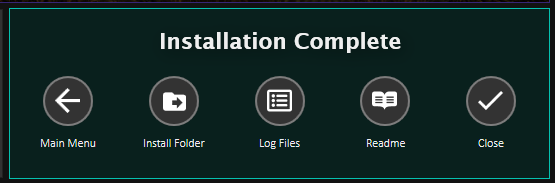
Installation complete!
If there’s an issue, a red “Installation failed” message will show. Look at the FAQ section or join the Zenithar's Forge Discord server for help.
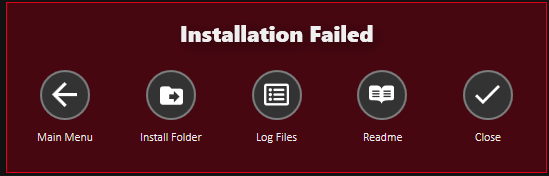
Installation failed.